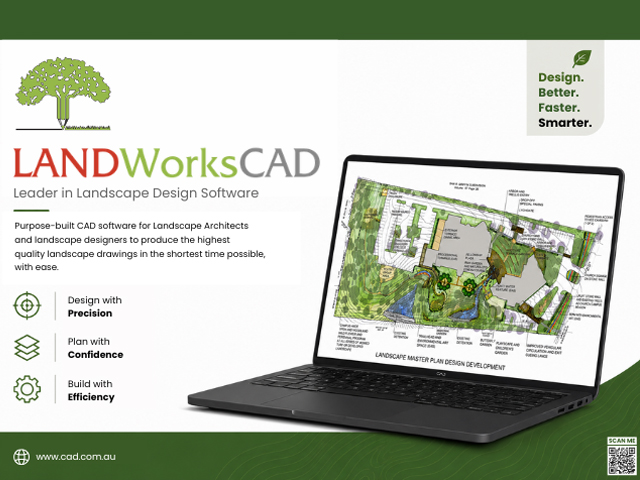
The software allows you to create drawings that are both visually engaging and technically precise. You can produce clean, technical drawings or develop more visually styled presentations—LANDWorksCAD gives you full control over how your drawings will look. With a wide range of built-in symbols, along with the option to use your own hand-drawn or CAD-based elements, your work can reflect your individual design style rather than being restricted by the software.
Ease of use is a key part of the experience. Even if you’re new to CAD, LANDWorksCAD is designed to get you up and running quickly. With structured training and step-by-step guidance available, you can build confidence and start producing professional drawings without a long learning curve.
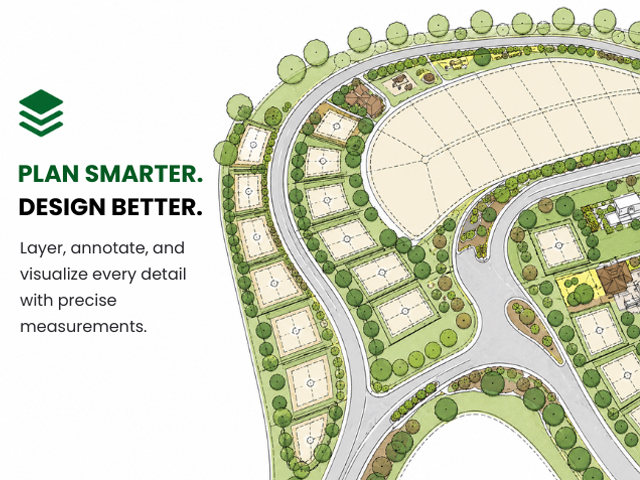
Compatibility is another strong advantage. LANDWorksCAD supports industry-standard file formats including DWG, DXF, PDF, and common image formats such as JPG and PNG. This makes it easy to collaborate with architects, engineers, surveyors, and other consultants. Existing CAD drawings can be imported, edited, and reused without needing to redraw from scratch, saving valuable time on every project.
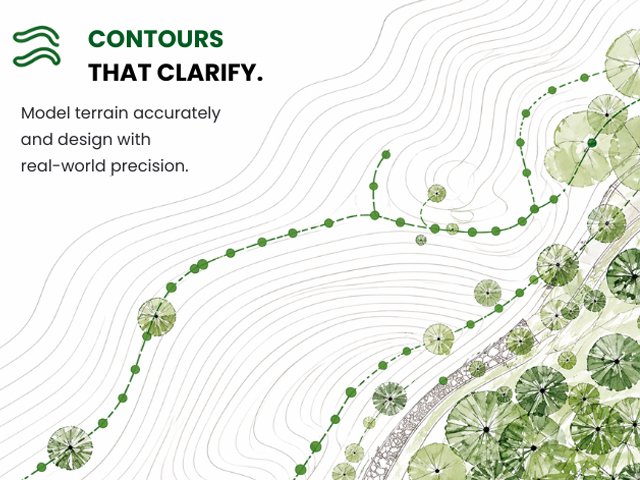
The software also works well with real-world references such as aerial imagery. You can import maps or scanned plans, scale them accurately, and trace over them to develop detailed layouts. Finished drawings can then be shared as CAD files, PDFs, or images—ready for clients, consultants, or print.
LANDWorksCAD is designed to support the way landscape professionals work every day, helping balance efficiency, accuracy, and creative control in one reliable solution.
Design better. Faster. Smarter.
Visit CAD International via the links below to learn more